> ## Documentation Index
> Fetch the complete documentation index at: https://docs.vxplain.com/llms.txt
> Use this file to discover all available pages before exploring further.
# Configuring LLM Providers
> Learn how to configure and switch between different Language Model (LLM) providers like OpenAI and Anthropic for AI-powered features in the Vxplain VS Code extension.
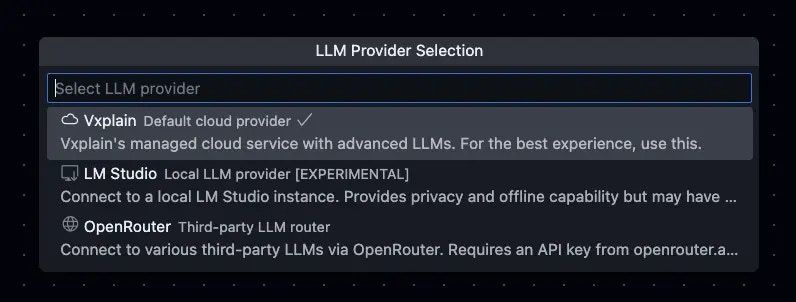
Select the Language Model (LLM) provider to use for AI-powered features. You can bring your own LLM provider. This is one of the main [customization settings](/src/customization/settings) you can configure.
To change the LLM provider, follow these steps:
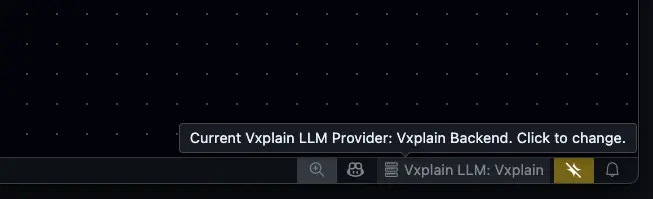
1. Click on the `Vxplain LLM` option in the VS Code bottom bar.
 2. Select your preferred provider from the dropdown menu.